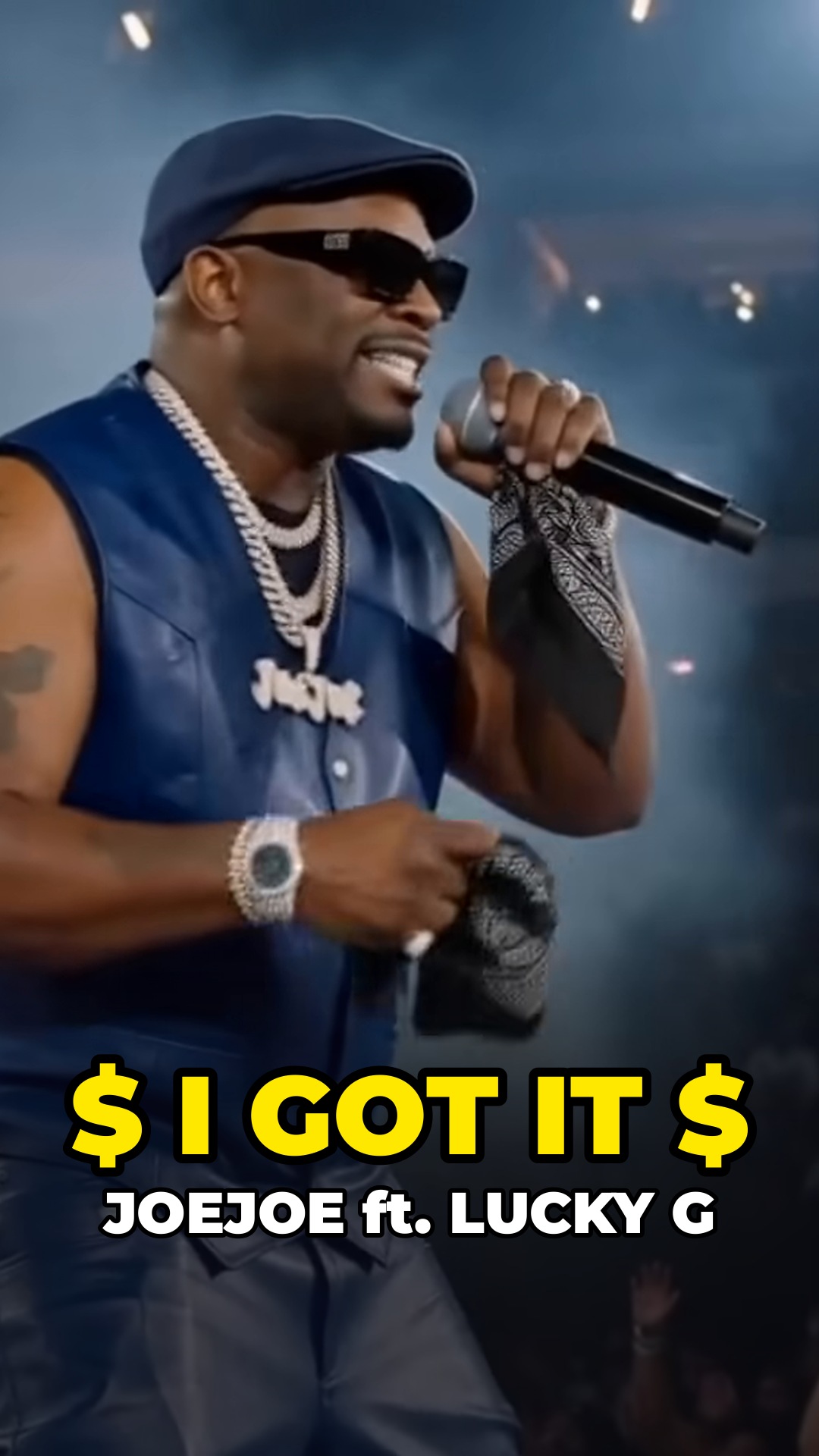
This is your delivery page for the Short we cut from "$ I GOT IT $ (Official Music Video) ft. Lucky G." It's yours to keep and post. Nothing has been published on your behalf.
Vertical 1080×1920 video
Lyric captions
A cover image
A title and description to copy
Everything in one download: the full-quality video, the cover, the captions file and the posting notes. Want a small change? Reply to the email and we'll take care of it.
This ain't trickin'. If you got it, you better use it.
From "$ I GOT IT $" (Official Music Video), JOEJOE ft. Lucky G. Full video: tap the link under the channel name.
#Shorts #IndianaRap
Other files
Captions file (.srt): the captions are already in the video, so this is optional. You can add it under Subtitles.
POSTING.txt: the title, description and these posting steps in one text file.
How to post your Short
Upload the full-quality MP4.Phone: YouTube app › Create (+) › Upload a video › choose the file. Computer: YouTube Studio › Create › Upload videos. It's vertical, so YouTube treats it as a Short.
Copy the title and description above into the upload screen, then publish.
Add the cover.On a computer: YouTube Studio › Content › Shorts › your Short › Thumbnail › Upload file, then choose the cover image. Custom Shorts thumbnails can only be added on a computer, and your account must be verified. YouTube is still rolling this out, so if "Upload file" isn't there yet, choose a frame instead.On your phone: the app lets you pick a frame from the video, not upload an image. The frame at about 0:12 (you smiling on the mic) works well.
Link the Short to your full music video
After the Short is up, open YouTube Studio on a computer › Content › click the Short › Related video › choose "$ I GOT IT $ (Official Music Video) ft. Lucky G" › Save. Viewers then get a tappable link under your channel name that opens the full video, and the Short ends with "Watch the full music video" to point them there.
This needs YouTube's advanced features (check YouTube Studio › Settings › Channel › Feature eligibility), and the full video must be public or unlisted.
Audio: 1:29.4 to 1:54.0 of the song, the hook all four times through, with no cuts. It's unchanged apart from overall volume (set to YouTube's standard). It ends right before the next verse and loops back to the start on the beat.
Picture: reframed vertical from your video's own shots, with every on-mic shot at its true time. The car scene is shortened, and the gap is filled with one shot borrowed from later in your video: the night-city aerial at 2:37.1-2:38.7 (no faces). One dark lounge shot is gently brightened so your face reads. The only additions are the lyric captions, your name and song title at the start and the "Watch the full music video" line at the end. Your appearance is not altered.
File: 1080×1920, 23.976 fps, H.264 with AAC audio, 24.6 seconds.